Trusted By Clients Across The World




















Continuous Improvement
We continuously upgrade our systems from modern Windows to Mobile technologies to deliver superior services.
Perfectly Aligned
Our goal is to stand as an accurate software solution that perfectly adapts to the unique business nature of Myanmar.
Maximum Security
The security of your corporate ledgers and sensitive business data is our utmost priority.
Customer Trust
Your trust is vastly more valuable to us. We continuously strive to maintain strong reliability with our clients.
Our Priority
Comprehensive Software Solutions
We provide comprehensive inventory, financial, and profit/loss software solutions for various industries. Our highly customizable programs are designed to match the specific needs of both small businesses and large enterprises.
Our Customers
Our Technologies:



POWERED BY ESSENTIAL FIRST AI
Elevate Your Workspace with Paing.C
! Worried about migrating to new software?
! Tired of constantly calling Customer Support when you're stuck?
! Tired of foreign AIs slowing your workflow, and need precise answers directly in Myanmar?
Don't worry... Paing.C is always ready 24/7 to guide you closely right in your workspace.

Paing.C
The EFC AI
Paing.C Support
Always OnlineHow can I check the stock balances in the software?
You can easily check them by navigating to the Report Menu and selecting your preferred report, such as Closing Stock Balance (FIFO, Moving Average, Last Price), Stock Ledger, or Stock Flow. You can also export these reports to Excel if needed. 📊
Thanks! Can I also view the data from the Windows system on my phone while I'm out?
Absolutely! You can connect with our Mobile App to view your data anytime, anywhere. 📱✨
Core Features & How It Works
Explore the practical applications of Essential First enterprise systems
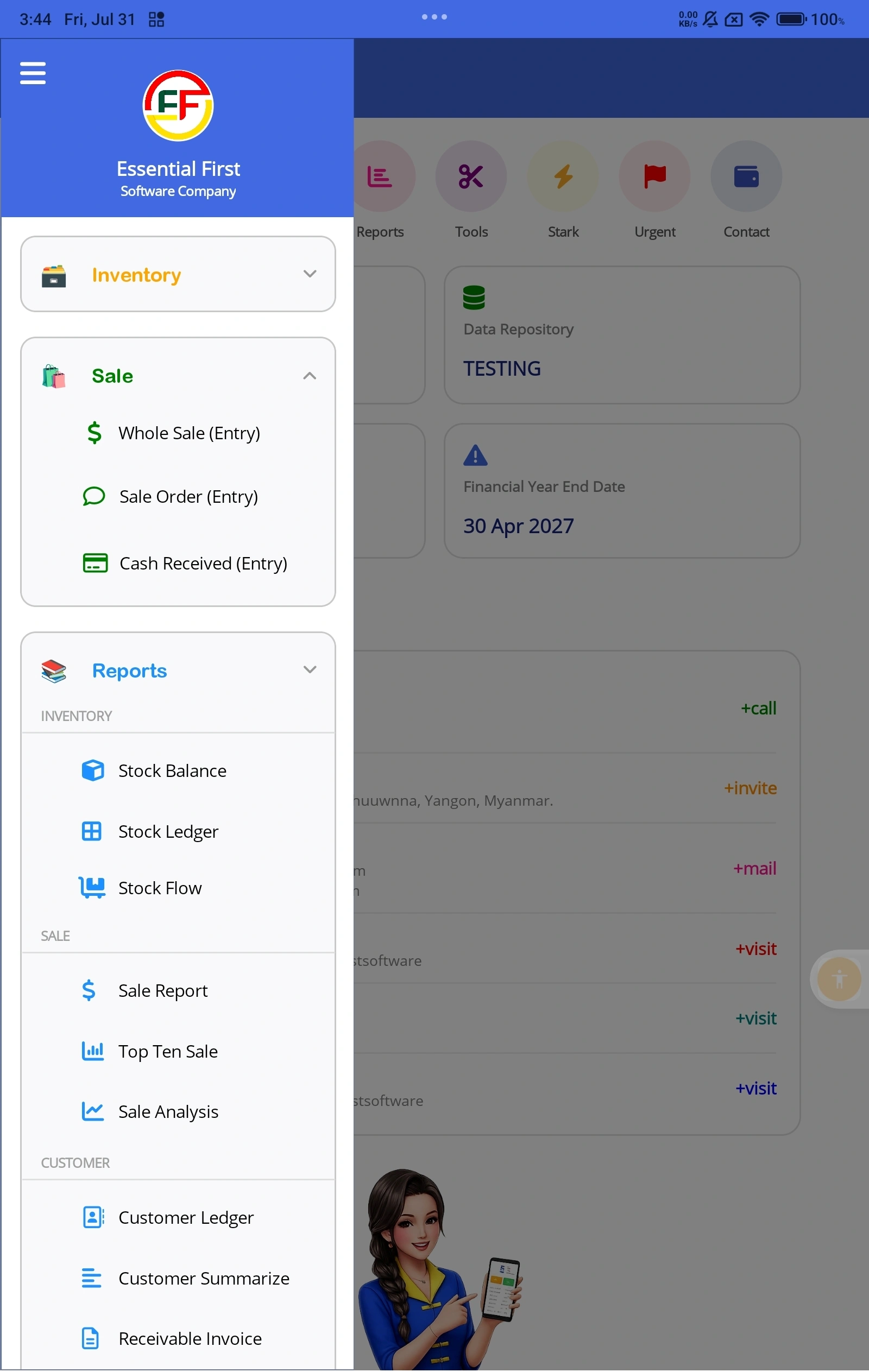
1. Advanced Inventory Control
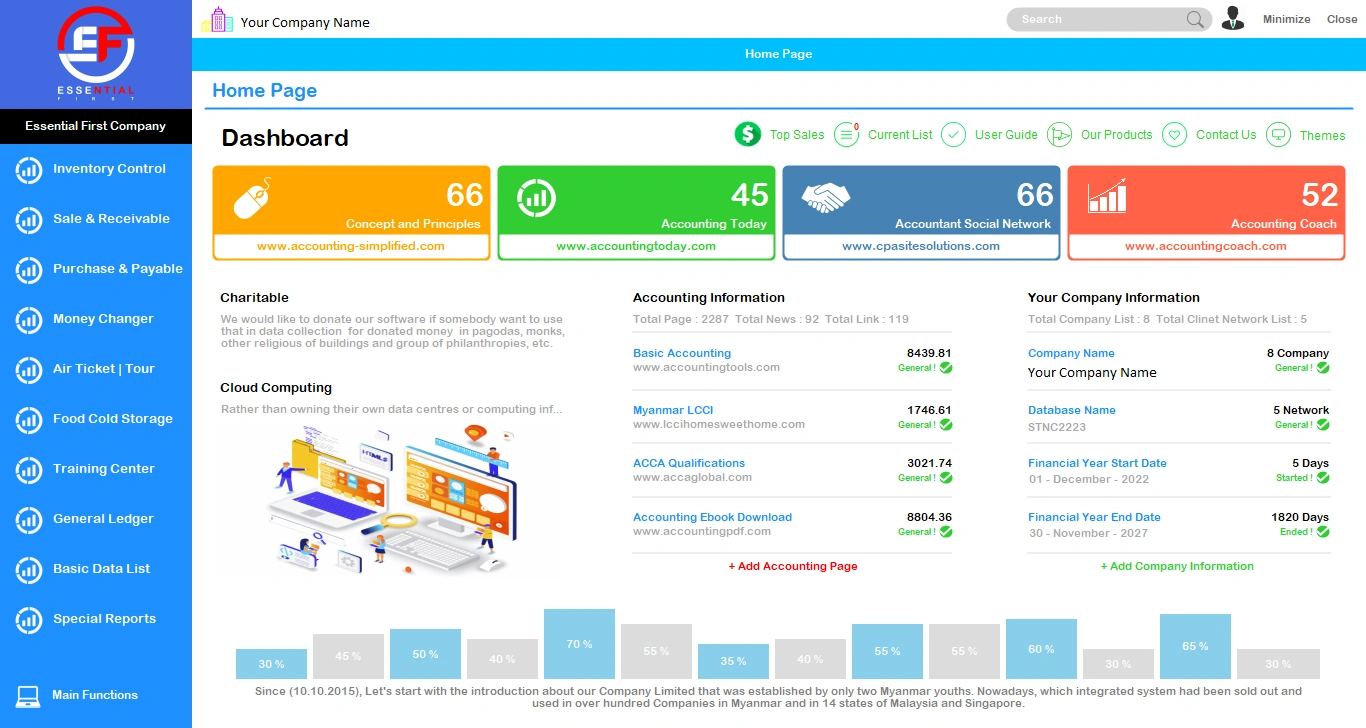
Our Inventory software is a robust Stock Management application. You can efficiently monitor goods flow, remaining stock, and comprehensive item lists with ease.
- Stock Received / Issued
- Stock Adjustment
- Stock Transfer
- Bill of Material
- Production Plan
- Warehouse Control
- Manufacturing Costing
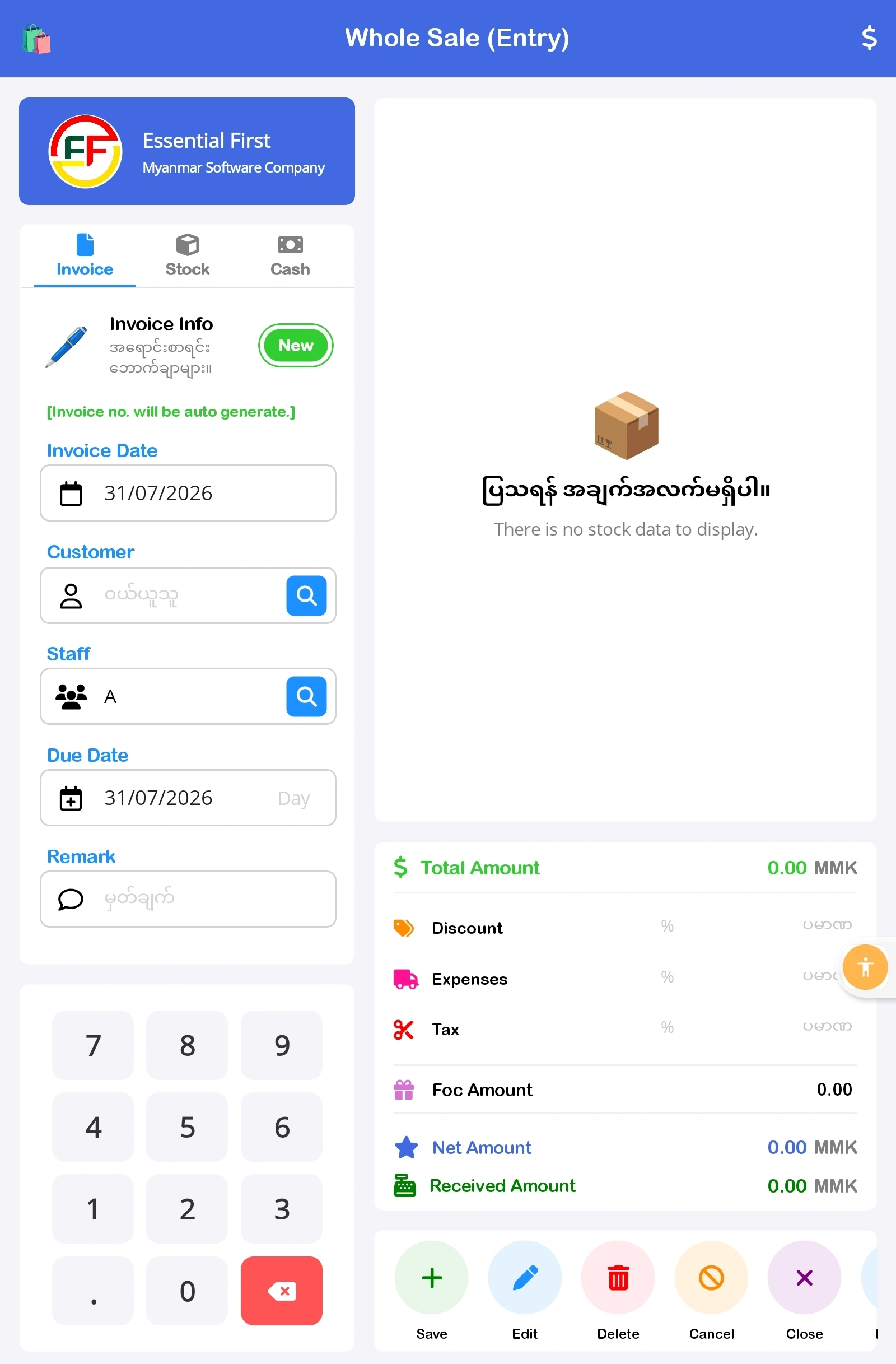
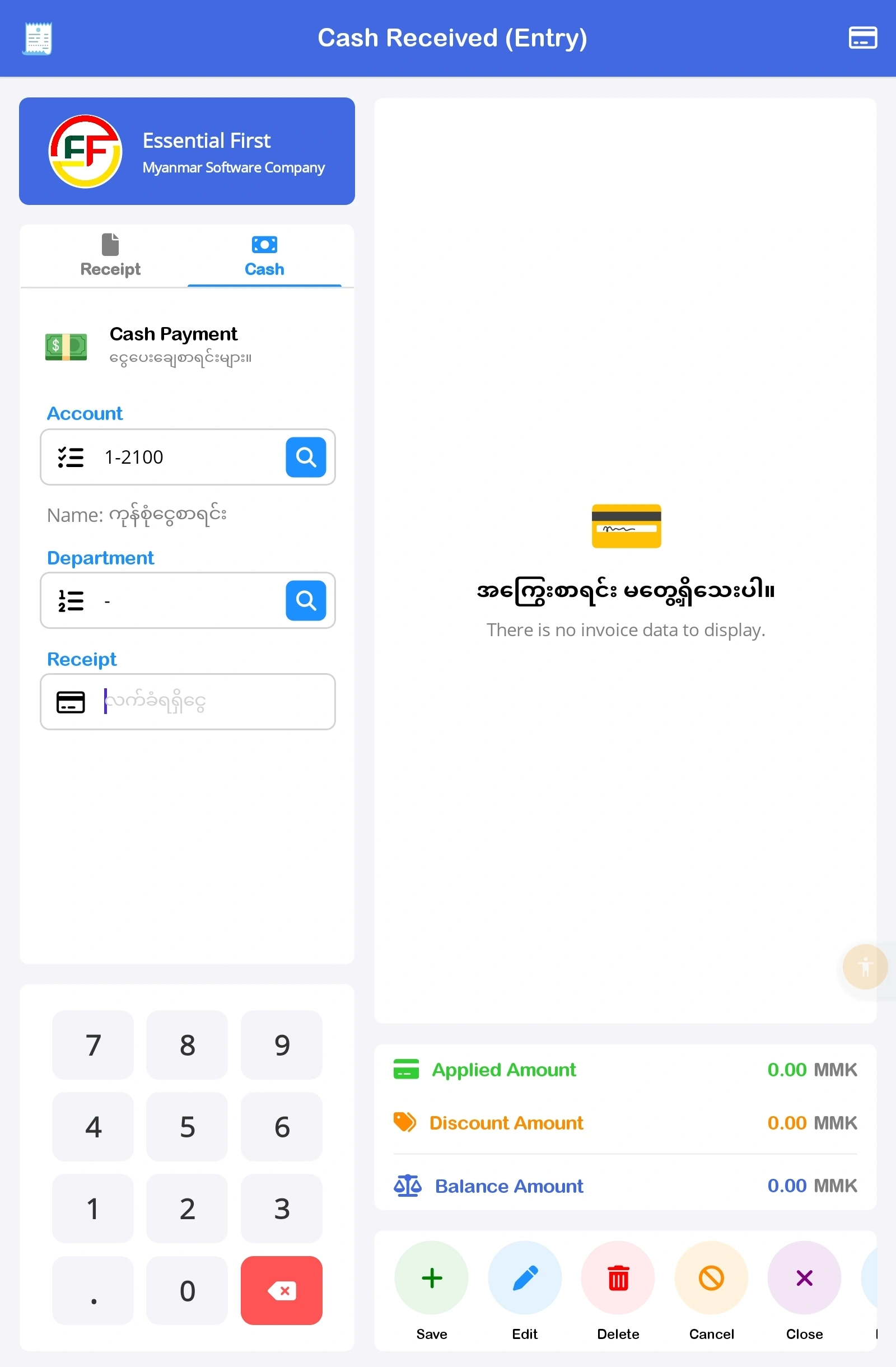
2. Sales & Receivable Control
Designed to provide real-time visibility into your company's sales performance. Systematically manage sales orders, delivered and pending invoices, as well as customer outstanding balances.
- Point Of Sale (POS)
- Whole Sale
- Quotation & Sale Order
- Delivery Order
- Sale Analysis
- AR Invoicing
- Customer Ledger
3. Purchase & Payable Control
Seamlessly integrates your purchasing processes with Stock, Payable, and Accounting controls. Accurately track purchase orders, received goods, and pending invoices in one unified system.
- Purchase & Costing
- Purchase Order / Return
- Goods Received
- On The Way
- AP Invoicing
- Supplier Balance
- Payable By Invoice
4. General Ledger Control
Effortlessly manage your corporate financial operations. By simply entering daily transactions, the system automatically generates accurate Profit & Loss statements and Balance Sheets.
- Journal Transaction
- Receipt, Payment
- Cash In Cash Out
- Trial Balance & Cash Flow
- Profit And Loss
- Balance Sheets
- Business Combine
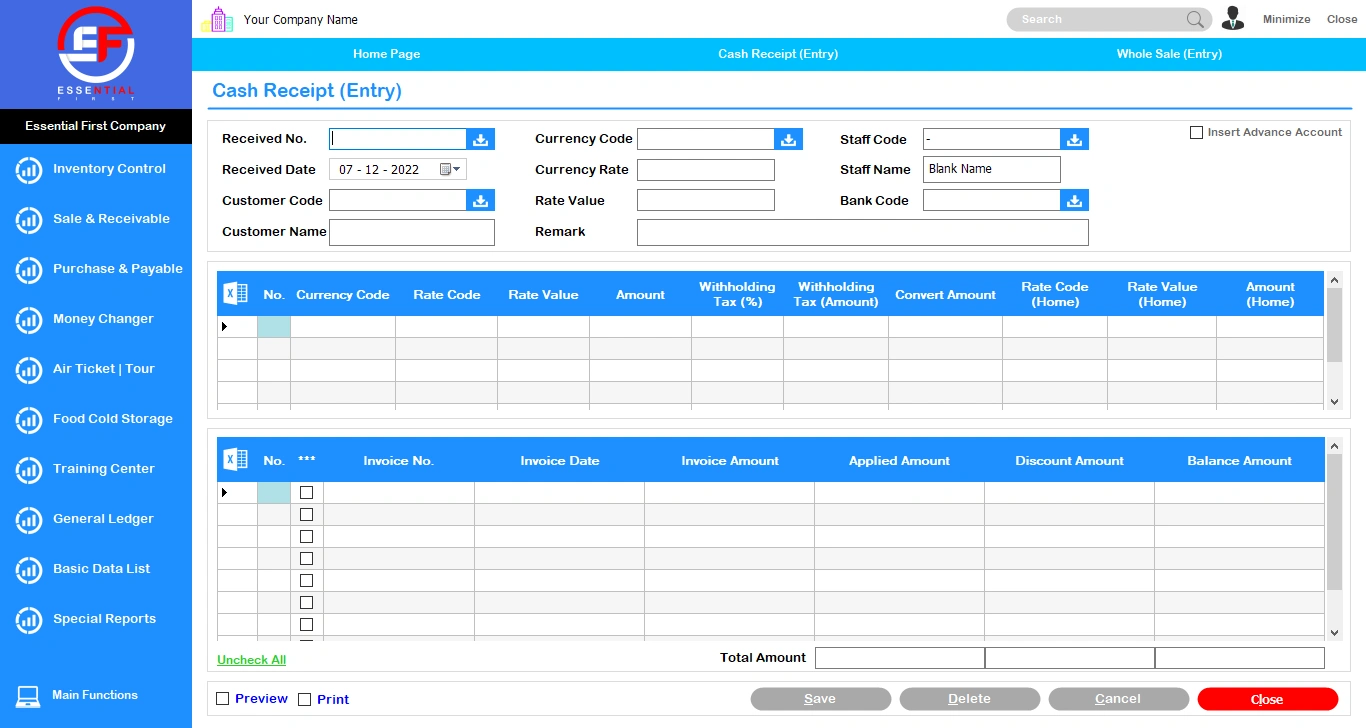
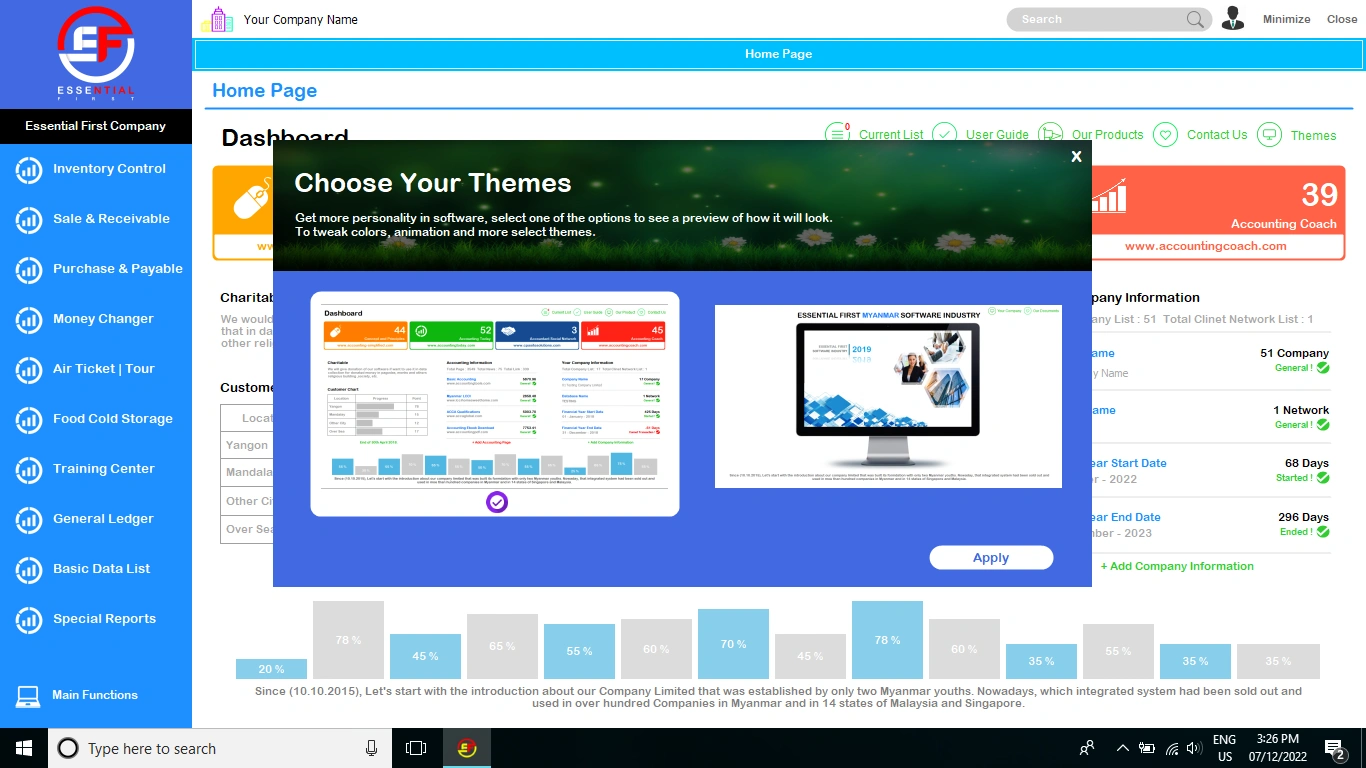
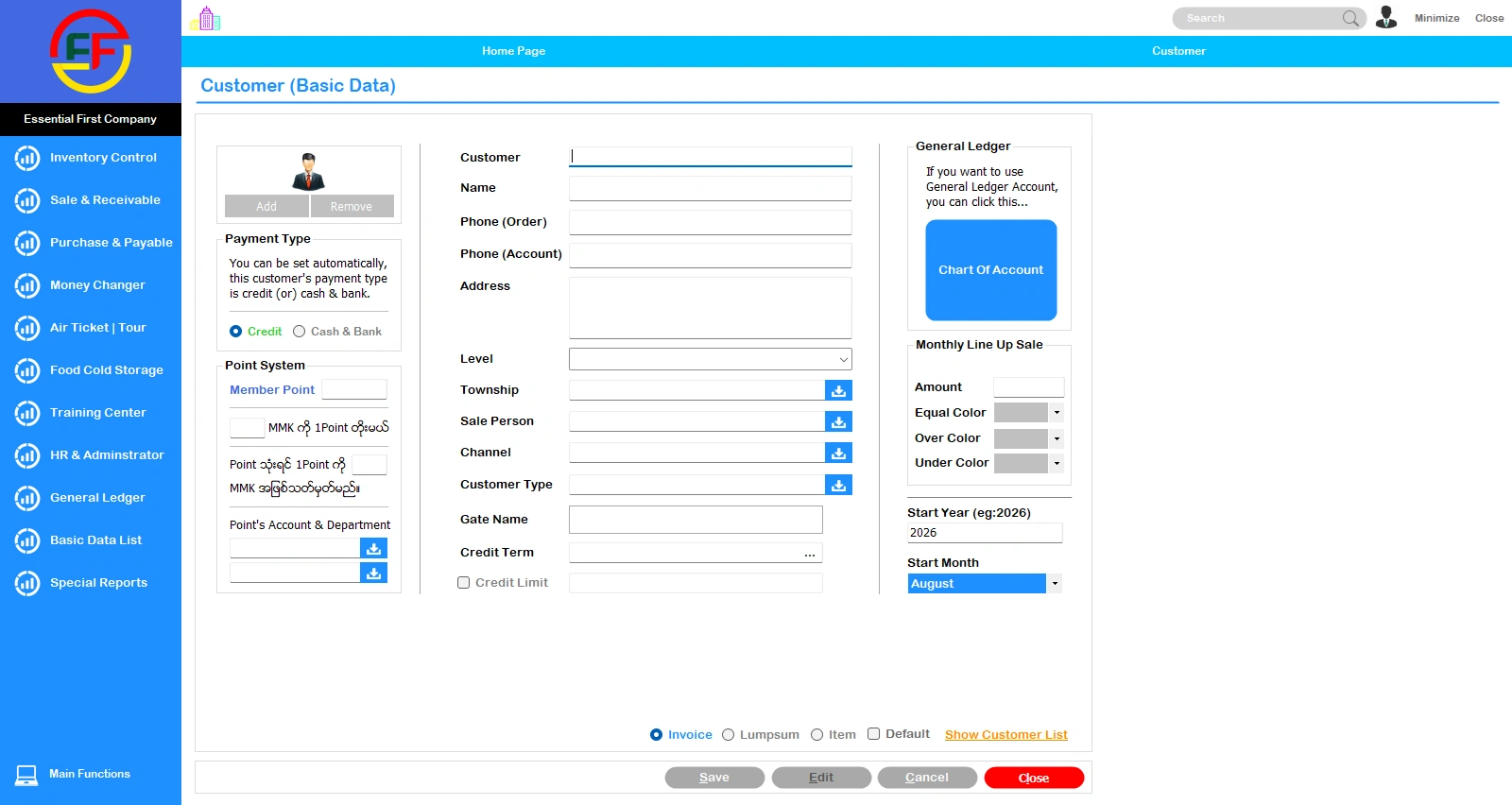
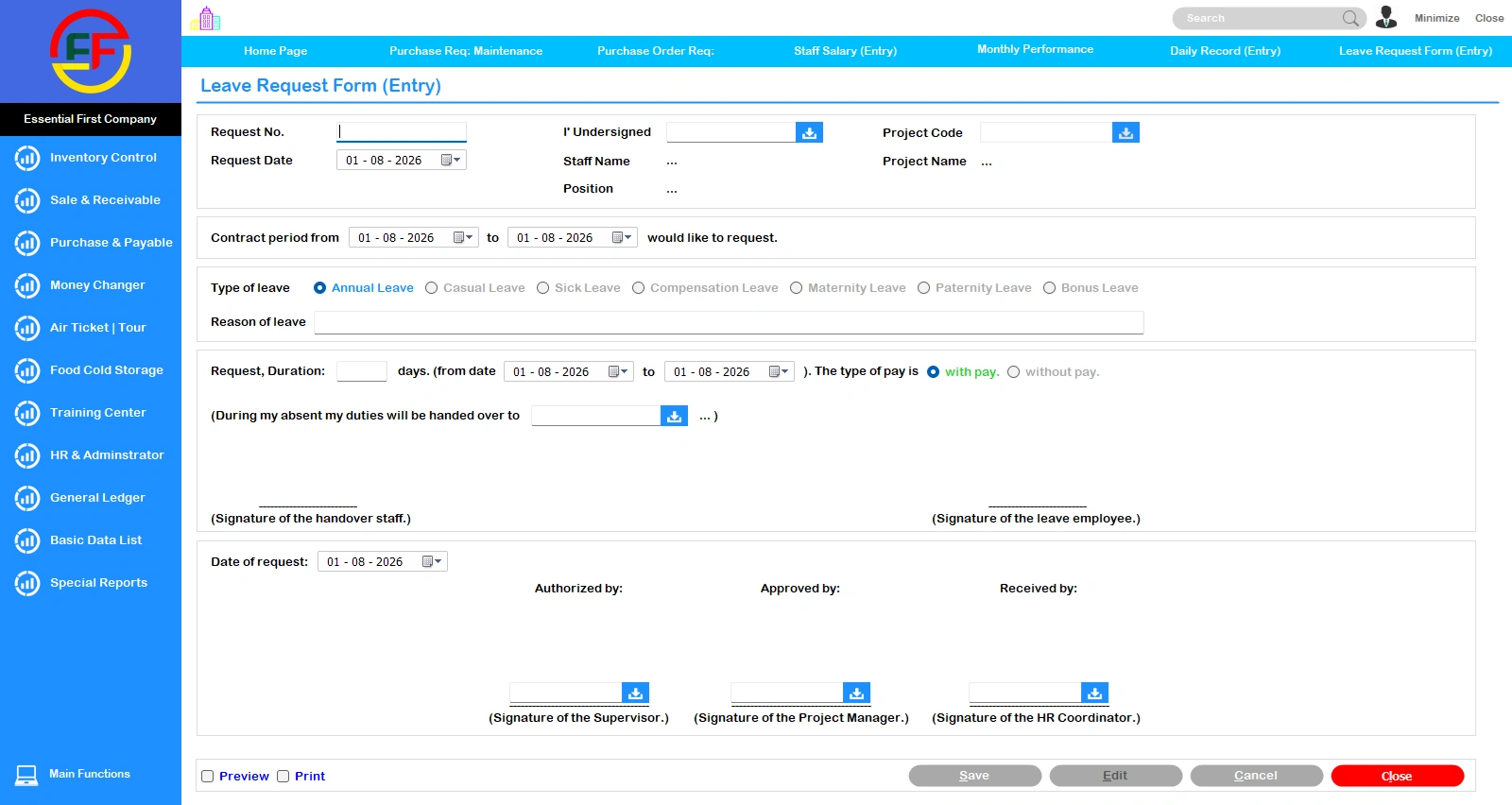
💻 Windows Desktop Interface
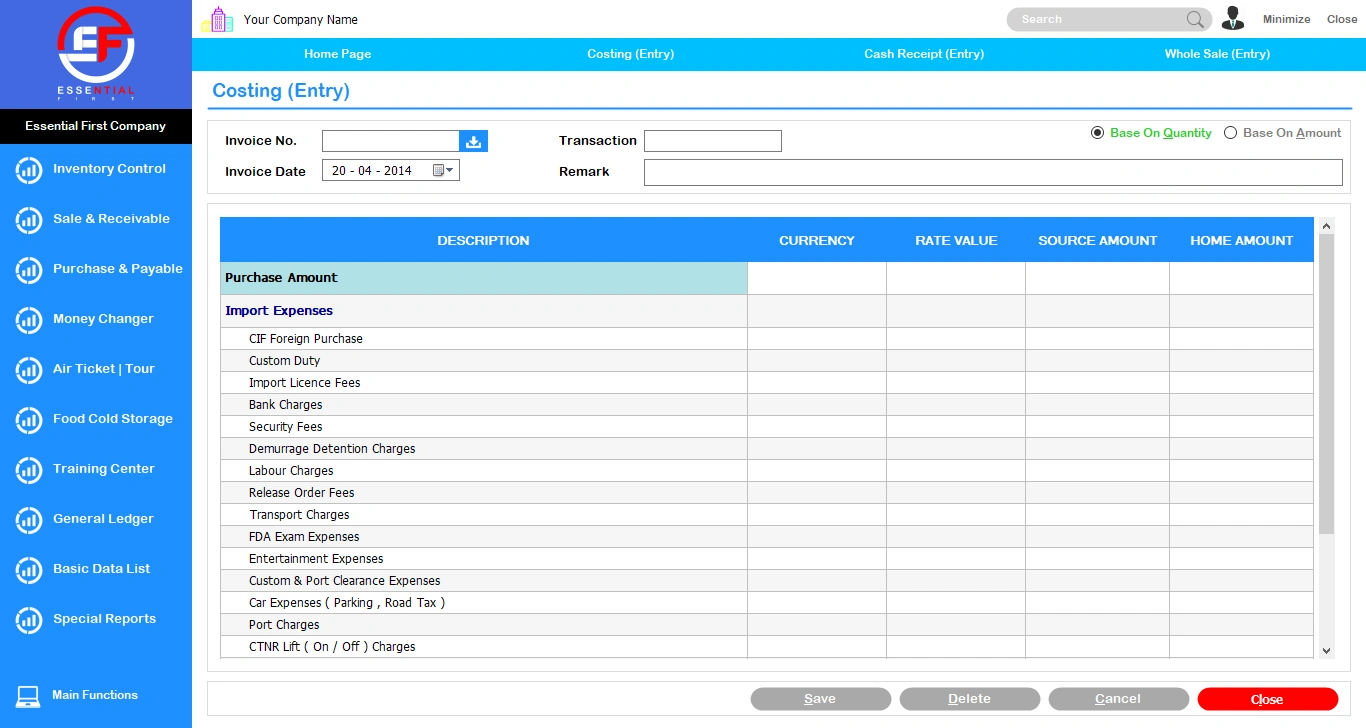
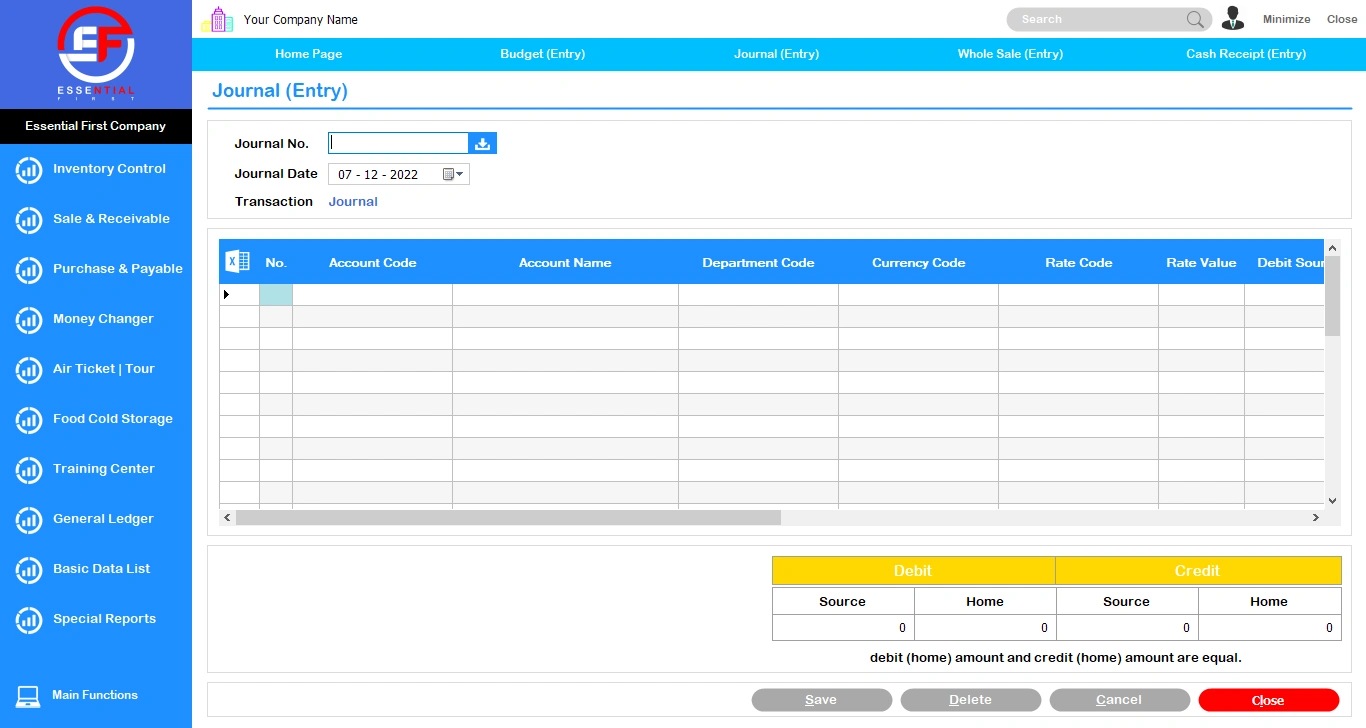
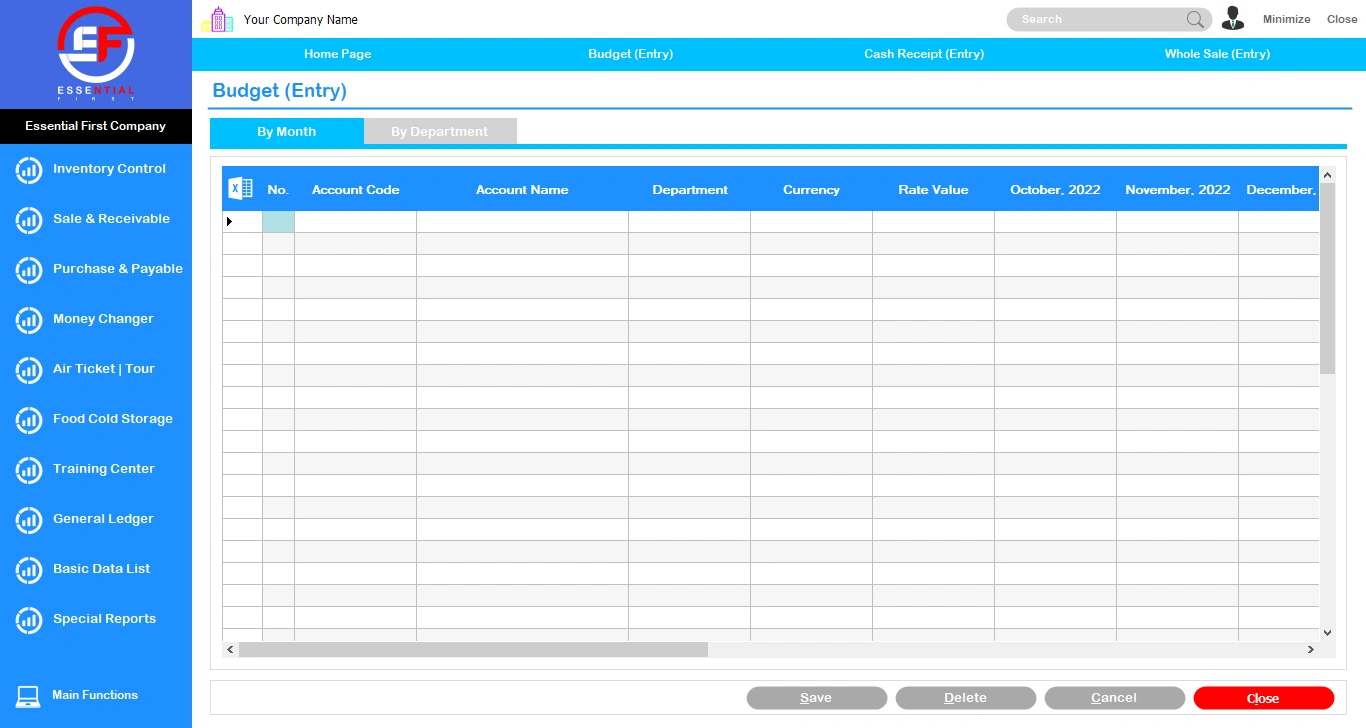
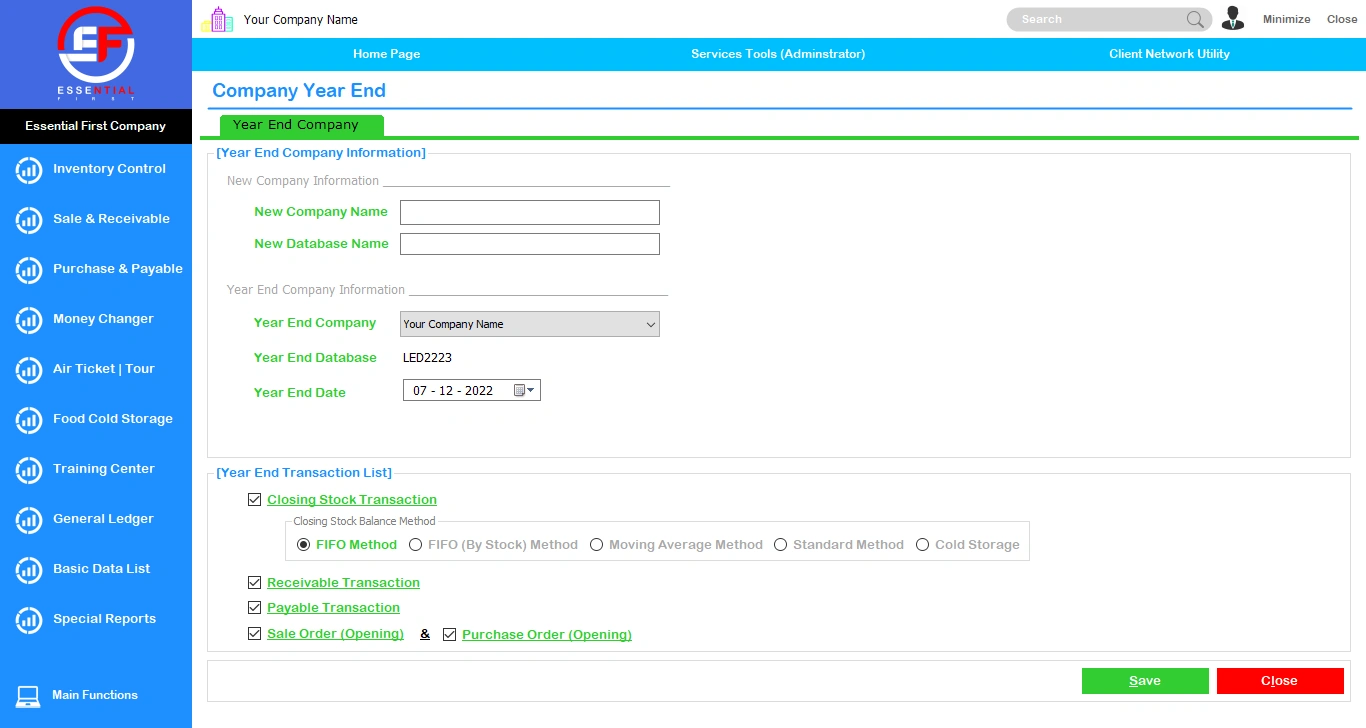
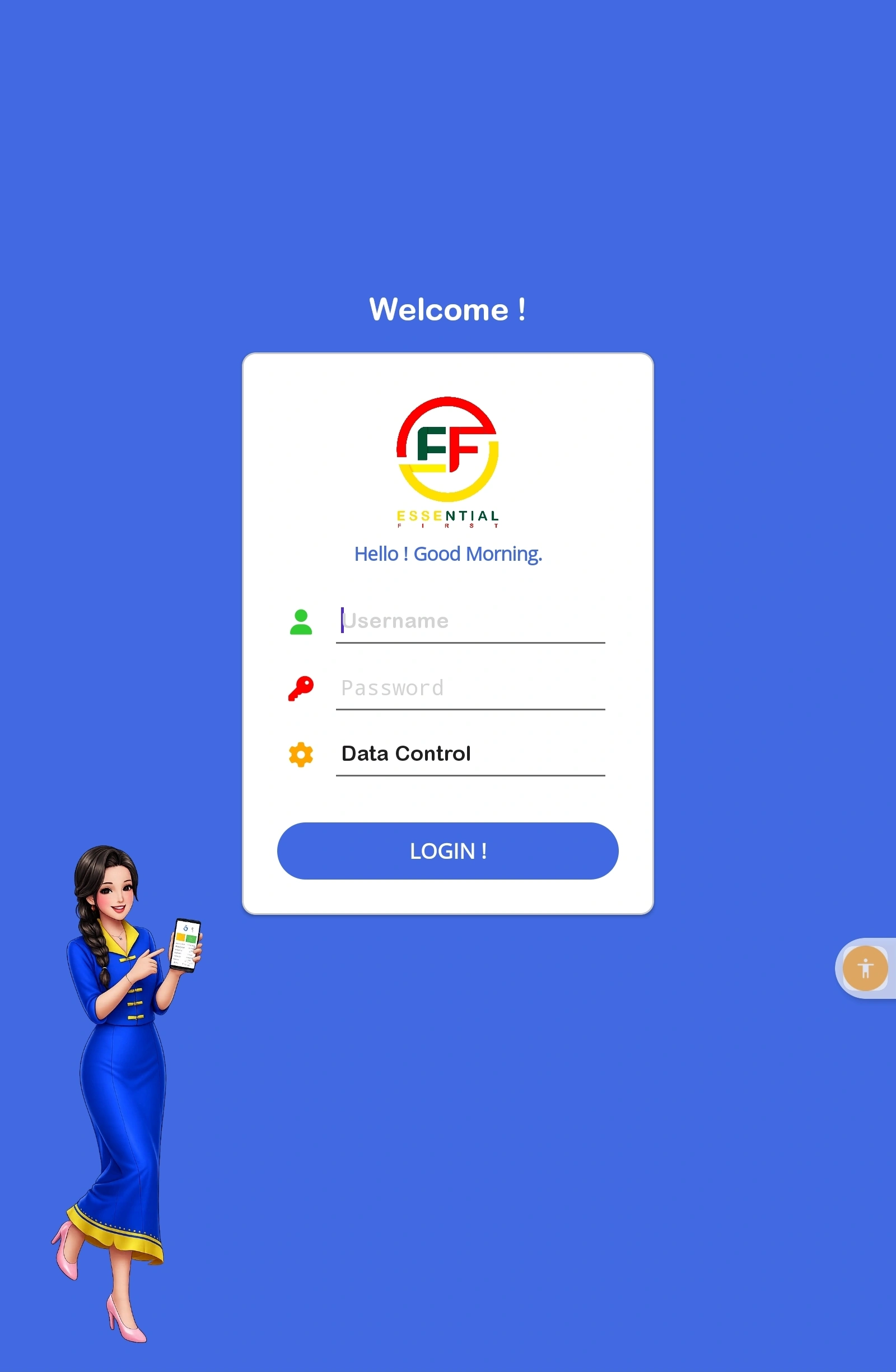
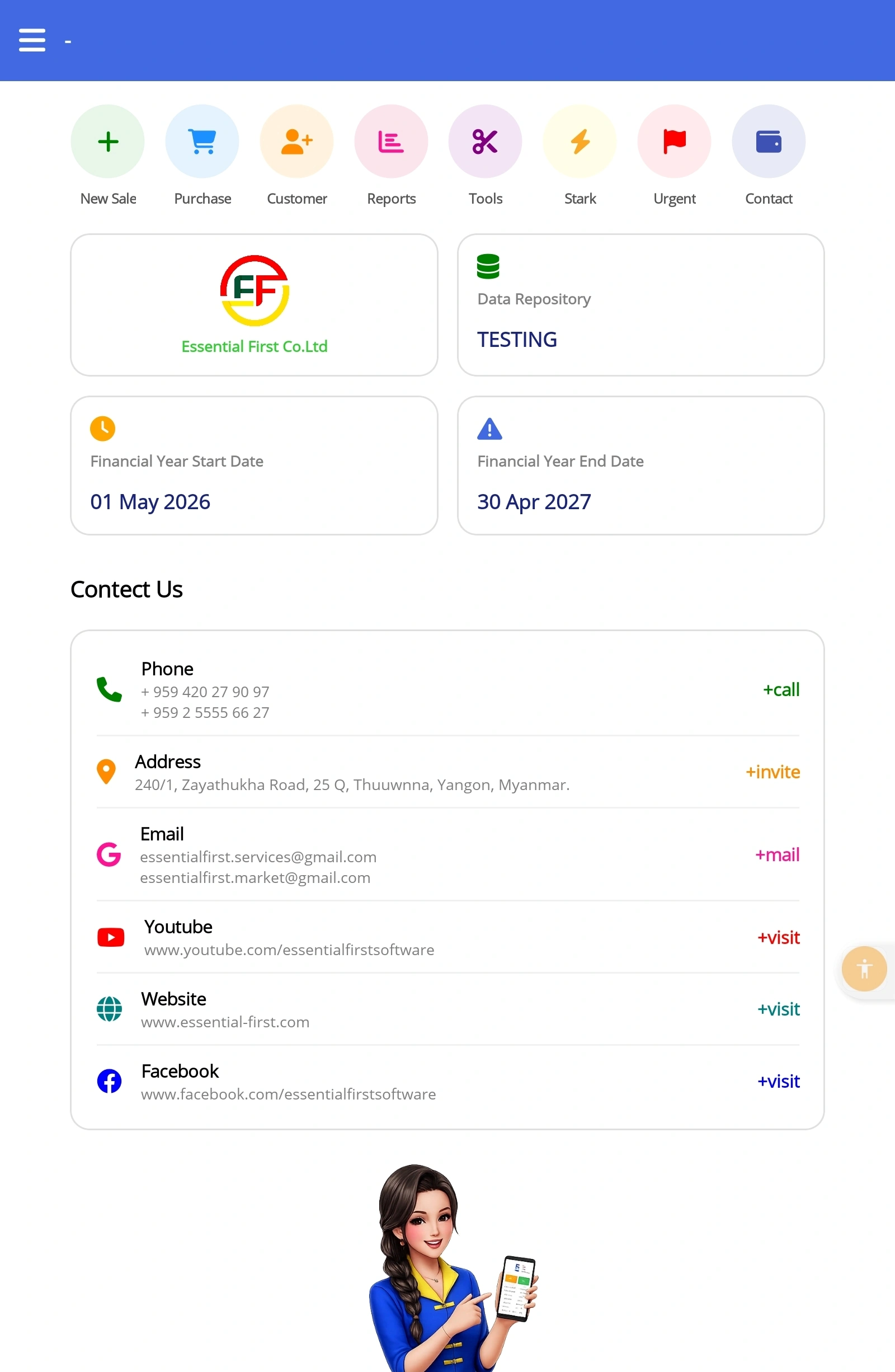
📱 Mobile App Interface
Industry-Specific Solutions
Tailor-made systems developed for specific business sectors

Money Changer
Clear UI for currency accounts, buying, selling, and remittance. View detailed balances and profit/loss.
Restaurant POS
Efficiently manage table-wise sales and route orders directly to the kitchen in real-time. You can seamlessly customize table layouts to match your restaurant's floor plan (e.g., upstairs, downstairs) and instantly monitor available tables at a glance.
Air Ticket & Tour
Manage flight/bus tickets (Sale, Purchase, Refund). Group transactions and analyze profit/loss effortlessly.
Supply Chain & Distribution
Manage operations from Sale Orders to Delivery, fully integrated with Customer and General Ledgers.
Advanced Capabilities
Comprehensive and advanced capabilities for every enterprise
Multi OS (Mobile)
Access data anywhere via our Mobile Version supporting Android and iOS, alongside the Windows Desktop app.
Multi Computing
Cloud-ready with offline capabilities. Continue working without internet, and the system auto-syncs once restored.
Multi Units
Utilize flexible Stock Conversion Factors. Manage and calculate your inventory balances across multiple measurement units.
Multi Stock Valuation
Evaluate inventory using various costing methods including FIFO, Moving Average, and Standard (Last Price) methods.
Multi Currencies
Support for multiple currencies with automated calculations for Exchange Gains and Losses based on fluctuating rates.
Multi Language
Fully supports Unicode and operates seamlessly in Myanmar, English, and Chinese (中国) languages.
Multi User
Assign specific permission levels for staff and secure closed accounting periods using the Calendar Close system.
Multi Company
Manage Head Office and branch accounts in one centralized database. Consolidate reports and view combined Profit/Loss.
Frequently Asked Questions (FAQ)
Cloud Computing & Security Insights
1. Will operations stop if the internet connection is suddenly lost?
2. Can ex-employees access the company's data from outside?
3. Will data be compromised if an authorized computer is stolen?
4. Do I need to pay a monthly Cloud Server fee to Essential First after purchasing the software?
5. How secure is our data on the Cloud?
If you have any further questions, please feel free to contact Customer Support anytime.
Contact Us
Feel free to reach out to us for more details regarding Essential First systems.
Head Office
240/1, Zayathukha Road, 25Q,
Thuwunna, Thingangyun, Yangon.
09 420 279 097, 09 449 070707
09 2555 60 954, 09 25555 6627
essentialfirst.software@gmail.com
Open : 9:00 AM - 5:00 PM